We’ve all been there. You pop your leftovers in the microwave, hit the start button, and… nothing. Or maybe you hear a strange grinding noise, or the plate just stubbornly refuses to spin. When your go-to kitchen appliance acts up, it can throw a real wrench in your daily routine. That’s where this comprehensive Samsung Microwave Troubleshooting guide comes in. Before you panic and start shopping for a new one, let’s roll up our sleeves. Many common issues have surprisingly simple fixes you can do right at home.
I’m the Microwave King, and I’ve spent years demystifying these magical boxes. Trust me, you don’t need to be an engineer to diagnose and solve most problems. We’ll walk through the most frequent hiccups, from a microwave that won’t turn on to one that’s not heating your food, providing you with clear, step-by-step solutions.
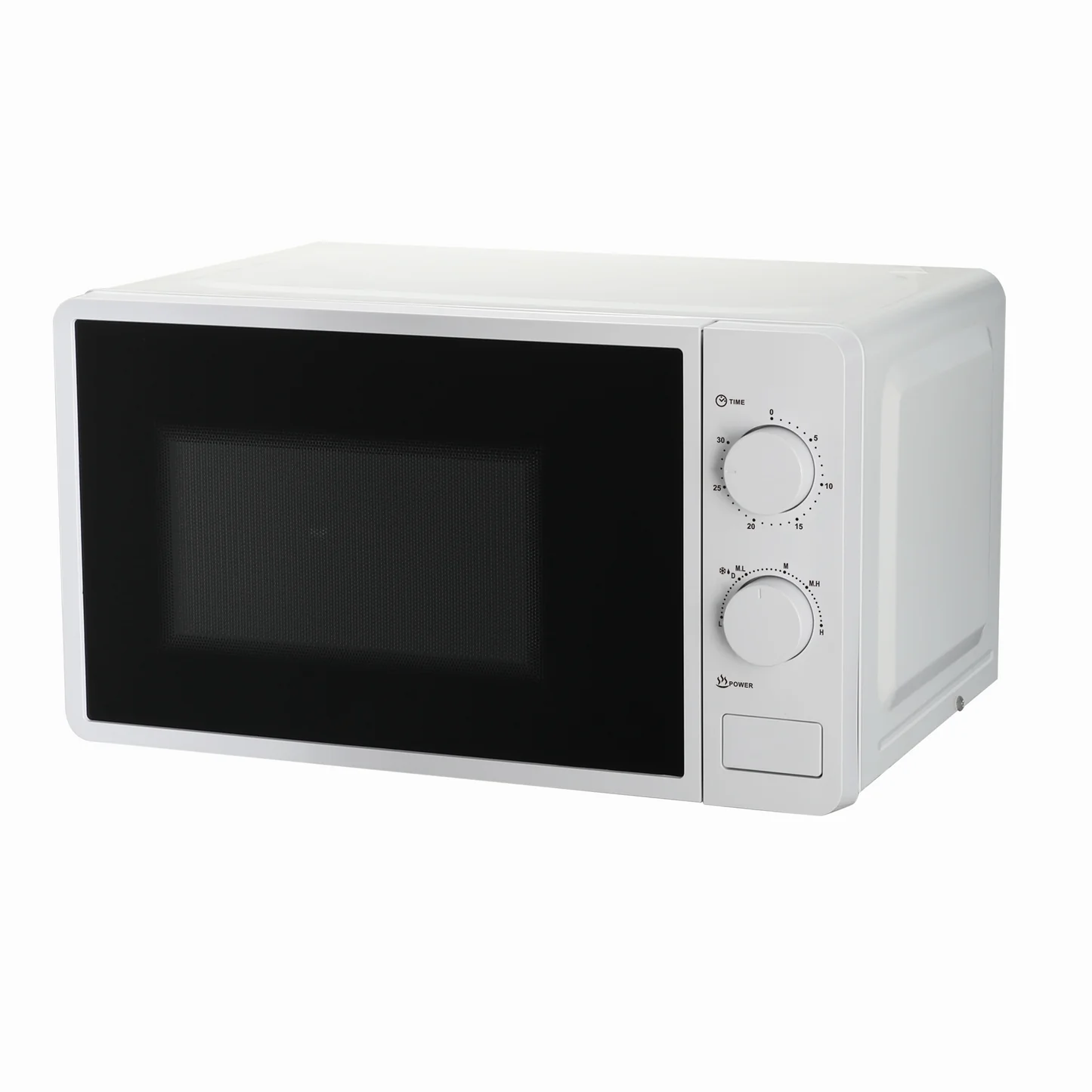
Common Samsung Microwave Problems and How to Fix Them
Let’s dive into the nitty-gritty. Here are the most common complaints I hear from Samsung microwave owners and the troubleshooting steps to get your appliance back in working order.
Why Won’t My Samsung Microwave Turn On?
A completely dead microwave is alarming, but it’s often caused by a power issue, not a catastrophic failure. Before you assume the worst, let’s check the basics.
- Check the Power Source: It sounds obvious, but you’d be surprised how often it’s the culprit. Is the microwave plugged in securely? To be certain the outlet is working, unplug the microwave and test the outlet with another small appliance, like a lamp or a phone charger.
- Inspect the Circuit Breaker: A microwave is a high-wattage appliance and can sometimes trip a circuit breaker. Head to your home’s electrical panel and look for a switch that’s flipped to the “OFF” position or is stuck in the middle. Flip it firmly to “OFF” and then back to “ON” to reset it.
- Test the Main Fuse: If the outlet is fine, the problem might be an internal fuse. The microwave’s main fuse is a small but crucial safety component that protects it from power surges. When it blows, the microwave will appear completely dead.
Safety First!
Before attempting to access internal components like a fuse, always unplug the microwave from the power outlet. Microwaves contain a high-voltage capacitor that can store a lethal electrical charge even when unplugged. If you are not comfortable with this step, it’s best to call a professional.
Replacing a fuse is a relatively simple task for those comfortable with basic repairs. You’ll need to remove the outer casing to access it. The fuse is typically a small glass or ceramic tube. If the thin wire inside is broken or the glass is blackened, it needs replacing. Make sure to replace it with a fuse of the exact same amperage and voltage rating.
The Turntable Isn’t Spinning
A stationary turntable means unevenly heated food—think a burrito that’s molten on one end and frozen on the other. Nobody wants that. Here’s how to troubleshoot it.
- Check for Obstructions: Make sure the turntable is seated correctly on the guide rollers. Sometimes a large dish can get wedged, or food debris can get stuck underneath, preventing it from moving. Remove the glass tray and the roller ring and clean the inside of the microwave thoroughly.
- Inspect the Turntable Motor: If the track is clean and the tray is seated properly, the issue may lie with the turntable motor. This small motor is located underneath the microwave floor. A faulty motor will often need to be replaced. You can sometimes test it with a multimeter to check for continuity if you’re experienced with electronics.
- Examine the Coupler: The coupler is the small, often plastic, piece that connects the motor to the glass tray. If it’s cracked, stripped, or broken, it won’t be able to turn the tray. This is an inexpensive and easy part to replace.
Why Isn’t My Microwave Heating Food?
This is perhaps the most frustrating microwave problem. The lights are on, the turntable is spinning, but your food comes out just as cold as it went in. This almost always points to an issue with the high-voltage components.
The “heart” of the microwave is a component called the magnetron. It’s what generates the microwaves that cook your food. When it fails, everything else might seem to work, but no heat is produced. Other potential culprits include a failed high-voltage diode or a faulty capacitor.
John Miller, a seasoned appliance technician with over 15 years in the field, always advises caution here. “When a microwave stops heating, you’re dealing with the high-voltage section. The magnetron, capacitor, and diode are not user-serviceable parts for the average person. Due to the serious risk of electric shock, this is a clear sign to call a qualified technician for your samsung microwave troubleshooting.”
The Microwave is Making Loud or Unusual Noises
Microwaves hum, but they shouldn’t buzz, grind, or clank. A strange noise is your appliance’s way of telling you something is wrong.
- Grinding or Scraping: This usually points back to the turntable. Check that the guide rollers are clean and not broken, and that the tray is properly aligned.
- Loud Buzzing or Humming: A loud, angry buzz that is more intense than the normal operating hum often indicates a problem with the magnetron. If you hear this, stop using the microwave immediately and unplug it. It’s time to call for service.
- Rattling: A simple rattle could be a loose screw on the casing or a component that has come slightly loose. It’s usually not a major issue but is worth investigating.
Decoding Common Samsung Microwave Error Codes
Modern Samsung microwaves often provide error codes on their display to help you diagnose the problem. While these can vary by model, here are a few common ones:
- C-10 or E-11 (Sensor Error): This often indicates a problem with the humidity or temperature sensor. Sometimes, simply unplugging the microwave for a few minutes can reset it. If the error persists, the sensor may need to be replaced.
- -SE- or 5E (Switch Error): This error code typically means the control panel thinks a button is stuck or has been pressed for too long. Try cleaning the touchpad with a soft, damp cloth. If that doesn’t work, the touchpad may be faulty.
- C-D0 (Door Error): The microwave has detected that the door is not securely closed. Check for any food debris or damage to the door latches or the door switch mechanism that might be preventing a solid connection.
When Is It Time to Call a Professional?
While DIY fixes are great, it’s crucial to know your limits. You should stop troubleshooting and call a certified technician if:
- You suspect a problem with the magnetron, capacitor, or diode.
- You see or smell smoke coming from the unit.
- The microwave continues to run even when the door is open.
- You are uncomfortable opening the microwave’s casing for any reason.
Your safety is always the top priority. Attempting to repair high-voltage components without proper training and equipment can be extremely dangerous.
Frequently Asked Questions (FAQ)
Q: How do I reset my Samsung microwave?
A: The simplest way to perform a “soft reset” is to unplug the microwave from the wall outlet for at least 60 seconds. Then, plug it back in. This can often clear minor electronic glitches or error codes.
Q: Why did my Samsung microwave suddenly stop working in the middle of cooking?
A: This is often caused by overheating. The microwave has a thermal cutout that shuts it down to prevent damage. Ensure the vents are not blocked. It could also be a blown main fuse caused by a power surge or a failing component. Let it cool down, then try resetting the circuit breaker.
Q: Is it safe to use a microwave that sparks?
A: No. Stop using it immediately. Sparking, or “arcing,” can be caused by metal inside the microwave (like a twist-tie or foil), but if that’s not the case, it could be a damaged waveguide cover or paint chipping inside the cavity. Continuing to use it can cause serious damage.
Q: Can I replace the lightbulb in my Samsung microwave myself?
A: Yes, in many models, replacing the interior or surface lightbulb is a straightforward process. Consult your user manual for the correct bulb type and instructions. Always remember to unplug the microwave before starting.
Q: How often should I clean my microwave?
A: You should wipe up spills immediately. A thorough cleaning should be done at least once a week, depending on usage. Regular cleaning prevents food splatters from hardening, which can absorb microwave energy and cause hot spots or even damage the interior over time.
Final Thoughts on Your Microwave Woes
Facing a misbehaving kitchen appliance can be a headache, but with a bit of knowledge, a lot of samsung microwave troubleshooting can be done safely and effectively at home. By starting with the simplest solutions—checking the power, cleaning the interior, and ensuring parts are seated correctly—you can solve a surprising number of common issues. Remember to always prioritize safety, especially when dealing with internal electronics. A well-maintained microwave is a reliable kitchen partner, and understanding how to keep it running smoothly empowers you to be the king or queen of your own kitchen.