Ever stared at that busy control panel on your microwave and felt a little overwhelmed? You’ve got your popcorn button, your defrost setting, and then there’s that intriguing little option: “Sensor Cooking.” So, What Does The Sensor Cooking Button Do, really? Is it just another fancy gimmick, or is it the secret to perfectly reheated leftovers and flawlessly steamed veggies? Well, grab a cup of coffee, and let’s pull back the curtain on one of the most brilliant features in modern kitchen appliances. I promise you, by the end of this, you’ll see that button as your new best friend.
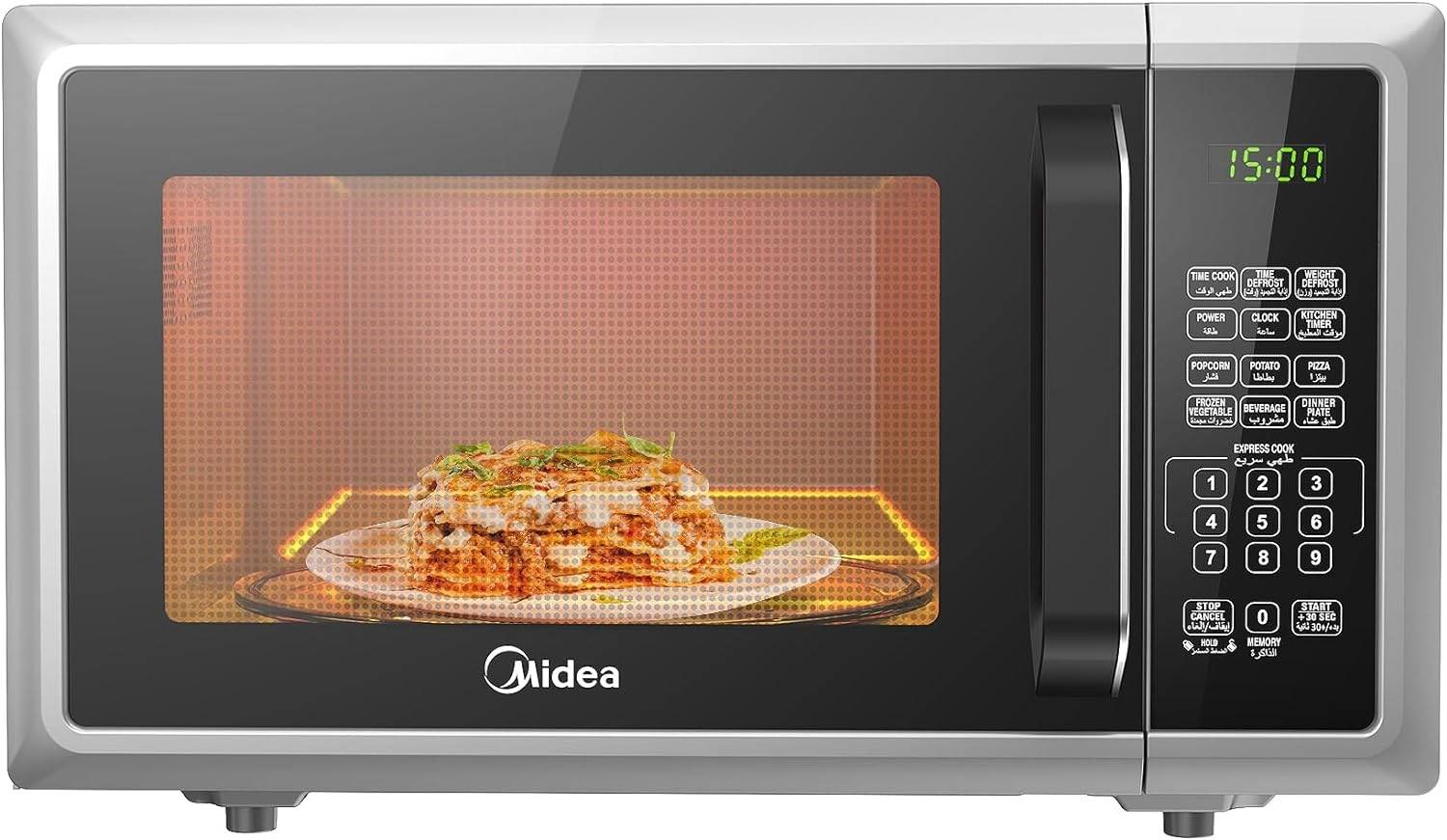
The Magic Behind the Button: How Does Sensor Cooking Work?
At its core, sensor cooking turns your microwave from a simple timer-based heater into a smart kitchen assistant. It takes the guesswork out of cooking by automatically adjusting the cooking time and power level based on the food inside.
The short answer is: The sensor cooking button activates a built-in humidity sensor that detects the amount of steam being released by your food. As food heats up, it releases moisture. The microwave’s internal computer uses this data to calculate the perfect cooking time and power level, shutting off automatically when the food is done.
Think of it like this: when you’re boiling a pot of water on the stove, you know it’s getting hot when you see steam rising. Your microwave’s sensor does the same thing, but with incredible precision. I remember the first time I used it for a bowl of leftover spaghetti sauce. Normally, I’d nuke it for two minutes, stir it, and find cold spots. With sensor reheat, I just pushed the button and walked away. The microwave ran for a bit, then beeped. The sauce was perfectly, evenly hot—no splatters, no cold center. It was a game-changing moment.
This technology doesn’t measure temperature directly. Instead, it measures the humidity and the rate at which that humidity increases. A piece of frozen chicken will release steam much differently than a bowl of soup, and the sensor is smart enough to tell the difference.
What Does the Sensor Cooking Button Do For You? Key Benefits
So, beyond just being a cool piece of tech, how does this actually help you in your day-to-day life? The benefits are surprisingly practical and can completely change how you use this essential kitchen appliance.
- No More Guesswork: Forget trying to remember if that casserole needs three minutes or five. The sensor does the thinking for you, preventing the dreaded “scorched on the outside, frozen on the inside” phenomenon.
- Perfectly Cooked Food: This is the biggest win. Sensor cooking helps to retain moisture and nutrients in food. Your steamed broccoli will be crisp-tender, not mushy. Your reheated pizza slice won’t have a rock-hard crust and a soggy middle. It’s all about achieving the ideal texture and temperature.
- Prevents Overcooking and Splatters: Because the microwave shuts off the moment the food is ready, you dramatically reduce the risk of overcooking. This also means fewer explosive messes to clean up. We’ve all been there—the sound of a small food-splosion that means you’ll be scrubbing the microwave’s interior for the next ten minutes. Sensor cooking makes that a rarity.
- Energy Efficiency: While it might not slash your energy bill in half, a microwave that only runs for the exact time needed is inherently more efficient than one running on a guesstimate. Every little bit helps!
Sensor Cooking vs. Preset Programs: What’s the Difference?
This is a common point of confusion. Many microwaves have buttons for “Popcorn,” “Pizza,” or “Baked Potato.” Aren’t those the same thing? Not quite.
Preset programs are essentially pre-programmed timers. When you press “Popcorn,” the microwave runs a specific power level for a set amount of time that the manufacturer thinks is right for an average bag of popcorn. It’s a one-size-fits-all approach.
Sensor cooking, on the other hand, is dynamic and adaptive. It’s reacting to your specific food in real-time. Here’s a simple breakdown:
| Feature | Preset Programs (e.g., “Popcorn”) | Sensor Cooking / Sensor Reheat |
|---|---|---|
| How it Works | Fixed time and power level. | Uses a humidity sensor to detect doneness. |
| Flexibility | Low. Doesn’t adapt to food size or starting temp. | High. Adapts to the specific amount and type of food. |
| Accuracy | Varies. Can easily undercook or overcook. | Very high. Aims for perfect results every time. |
| Analogy | A simple kitchen timer. | A personal chef checking on your food. |
In short, presets are a blunt instrument, while sensor cooking is a precision tool.
Getting the Most Out of Your Sensor Cooking Feature
To make sure your sensor cooking feature works flawlessly, there are a few best practices to follow. Trust me, these simple steps can make all the difference between a good result and a perfect one.
- Use the Right Dish: Always use a microwave-safe dish. Glass or ceramic is usually your best bet.
- Cover Your Food: This is crucial! Covering your food with a microwave-safe lid or vented plastic wrap traps the steam, which is what the sensor needs to read. Without a cover, the steam escapes too quickly, and the sensor can’t get an accurate reading.
- Don’t Open the Door: Resist the urge to peek! Opening the microwave door mid-cycle lets all the steam out, which will confuse the sensor and disrupt the cooking calculation. Let the machine do its work.
- Use It for the Right Foods: Sensor cooking works best for foods with a decent amount of moisture. It’s fantastic for reheating leftovers like stews and pasta, cooking fresh or frozen vegetables, and heating beverages. It’s less effective for dry foods like bread or pastries.
Expert Tip: Make sure the interior of your microwave and the outside of your cooking dish are dry before you begin. Any extra moisture can trick the sensor into thinking the food is done before it actually is.
|
Our Picks for the Best Microwave Oven in 2026
As an Amazon Associate, we earn from qualifying purchases.
|
||
| Num | Product | Action |
|---|---|---|
| 1 | Chefman Countertop Microwave Oven 1.1 Cu. Ft. Digital Stainless Steel Microwave 1000 Watts with 6 Auto Menus, 10 Power Levels, Eco Mode, Memory, Mute Function, Child Safety Lock, Easy Clean |

|
| 2 | COMFEE\' EM720CPL-PMB Countertop Microwave Oven with Sound On/Off, ECO Mode and Easy One-Touch Buttons, 0.7cu.ft, 700W, Black |
|
| 3 | TOSHIBA ML-EM09PA(BS) Small Microwave Oven with 6 Auto Menus, Mute Function & Child Lock, LED Lighting, Perfect for Apartment, 0.9 Cu Ft, 10.6 Inch Removable Turntable, 900W, Black Stainless Steel |
|
| 4 | Chefman Countertop Microwave Oven 0.7 Cu. Ft., 700 Watts with 10 Power Levels, 6 Cooking Presets with One-Touch Express Cook, Eco Mode, Child Safety Lock, & Mute Button - Black |
|
| 5 | BLACK+DECKER EM720CB7 Digital Microwave Oven with Turntable Push-Button Door, Child Safety Lock, 700W, Stainless Steel, 0.7 Cu.ft |
|
| 6 | Cooks Innovations Non-Stick Oven Protector Mat - Heavy Duty Nonstick Oven Rack Liners to Protect Convection, Electric, Gas, & Microwave Ovens - BPA & PFOA Free Heat Resistant Baking Mat |
|
| 7 | TOSHIBA EM131A5C-BS Countertop Microwave Ovens 1.2 Cu Ft, 12.4\" Removable Turntable Smart Humidity Sensor 12 Auto Menus Mute Function ECO Mode Easy Clean Interior Black Color 1000W |
|
| 8 | Breville BOV450XL Mini Smart Countertop Oven and Toaster Oven, Small, Brushed Stainless Steel |
|
| 9 | Farberware 0.7 Cu. Ft. Countertop Microwave Oven – 700 Watts Power, Auto Cook Settings, Defrost, Easy Clean and Child Safety Lock - Stainless |
|
| 10 | BLACK+DECKER Digital Microwave Oven with Turntable Push-Button Door, Child Safety Lock, Stainless Steel, 0.9 Cu Ft |
|
Does Inverter Technology Make Sensor Cooking Even Better?
Absolutely. If sensor cooking is the “brains” of the operation, inverter technology is the “muscle.” A traditional microwave cycles its power on and off to achieve a lower power level—it’s either 100% on or 100% off. An inverter technology microwave, however, can deliver a consistent stream of power at lower levels.
When you pair this consistent power delivery with a smart sensor, you get a hands-down superior cooking experience. The sensor determines exactly how much heat is needed, and the inverter delivers that precise amount of energy smoothly, without the harsh on-off cycling. This results in more even cooking, better textures, and no hot spots.
As John Miller, an appliance engineer with over 15 years of experience, often states, “The synergy between sensor cooking and inverter technology is the biggest leap in microwave cooking in the last two decades. One provides the intelligence, the other provides the finesse. Together, they allow a home microwave to achieve results that were previously only possible with much more expensive equipment.”
Frequently Asked Questions (FAQ)
Q: Can I use the sensor cooking button for everything?
A: No, it’s not a silver bullet for all foods. It excels with moisture-rich items like vegetables, casseroles, soups, and leftovers. It is not ideal for things that need to be browned or crisped, or for very dry foods like crackers or bread, as they don’t release enough steam for the sensor to work effectively.
Q: Why did my food get overcooked even with sensor cooking?
A: This can happen for a few reasons. The most common culprits are not covering the food (letting steam escape), opening the door mid-cycle, or if the food portion is too small for the sensor to get a good reading. Always check your manufacturer’s guide for minimum food quantities.
Q: Do all new microwaves have a sensor cooking button?
A: While increasingly common, especially in mid-range to high-end models, it is not a standard feature on all microwaves. Basic or budget countertop microwave models often rely solely on manual time and power settings. If this feature is important to you, be sure to check the specifications before you buy.
Q: Is “sensor cooking” the same as “sensor reheat”?
A: They are very similar and often used interchangeably. Both use the same humidity-sensing technology. “Sensor Cook” is typically used for cooking raw foods (like potatoes or vegetables), while “Sensor Reheat” is specifically calibrated for bringing pre-cooked leftovers to an ideal serving temperature.
Q: How do I clean the sensor in my microwave?
A: The sensor is usually located in a vent inside the microwave cavity. You don’t need to clean the sensor itself directly. The best way to maintain it is by keeping the interior of your microwave clean. Regularly wipe down the walls and ceiling with a damp cloth to prevent food splatters from interfering with the sensor’s readings.
The Final Word on Sensor Cooking
So, let’s circle back to our original question: what does the sensor cooking button do? It acts as an intelligent autopilot for your food, using steam to determine exactly when your meal is perfectly cooked or reheated. It’s a feature that bridges the gap between simply heating food and actually cooking it well.
By understanding how this clever technology works and following a few simple best practices, you can unlock a new level of convenience and precision in your kitchen. It’s one of those features that, once you start using it correctly, you’ll wonder how you ever lived without it. So go ahead, give that button a push and let your microwave show you what it can really do.