Let’s be honest, that moment your microwave light goes dark is a small but mighty kitchen annoyance. Suddenly, you can’t see if your soup is about to stage a volcanic eruption or if your cheese is perfectly melted. Before you start reheating food in the dark, I’m here to tell you that learning How To Replace A Microwave Light Bulb is one of the easiest DIY fixes you can tackle. As your resident microwave guru, I’ve guided countless people through this simple process, and today, it’s your turn.
This guide will walk you through everything, from finding the right bulb to safely installing it in different types of microwaves. We’ll turn that dark box back into the brilliantly lit kitchen appliance you rely on every day.
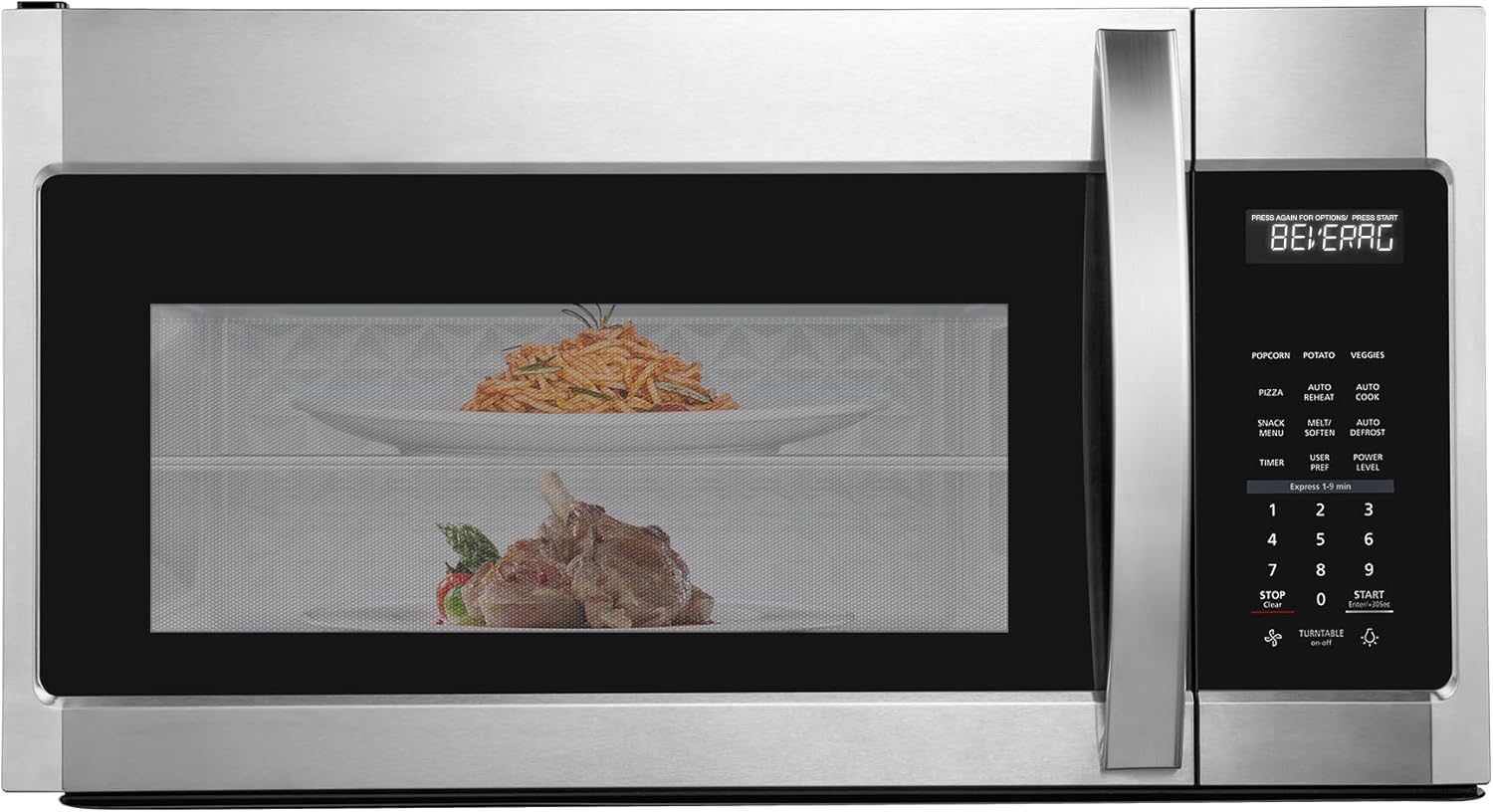
Safety First: The Most Important Step
Before we even think about tools or bulbs, let’s talk safety. Microwaves are high-voltage appliances, and you can’t be too careful. The number one, non-negotiable rule is to unplug the microwave from the wall outlet. Don’t just turn it off. Pull the plug completely.
Expert Warning: Microwaves contain a high-voltage capacitor that can store a lethal electrical charge, even when the unit is unplugged. While replacing an external or cavity light bulb typically doesn’t involve contact with the capacitor, it’s a critical reason why you must always unplug the unit and never poke around in the internal electronics.
What You’ll Need for the Job
The good news is you won’t need a massive toolbox for this task. Most replacements only require a few basic items:
- A Phillips head screwdriver: This is the most common tool needed to remove the bulb cover or access panel.
- The correct replacement bulb: This is crucial! We’ll cover how to find the right one next.
- A pair of gloves (optional but recommended): This can help you get a better grip on the small bulb and protect it from the oils on your fingers, which can shorten the life of some bulb types.
- Your microwave’s user manual: If you still have it, it’s the ultimate cheat sheet for locating the bulb and identifying the correct replacement part number.
Finding the Perfect Replacement Bulb
Can you just grab any old light bulb? Absolutely not. Using the wrong one can be a fire hazard or simply won’t work. A microwave light bulb is a specific type of appliance bulb designed to withstand the heat and vibrations of the unit.
Here’s how to ensure you get the right one:
- Check the Old Bulb: Once you remove the old bulb, look for markings on its base. It will usually specify the voltage (typically 120V or 130V in North America) and the wattage (usually between 25W and 40W).
- Consult the Manual: Your user manual is your best friend. It will list the exact part number or bulb specifications you need.
- Look Up Your Model: If you’ve lost the manual, you can usually find the bulb type by searching online for your microwave’s model number plus “replacement light bulb.” The model number is typically found on a sticker inside the microwave door.
How to Replace a Microwave Light Bulb: A Step-by-Step Guide
Alright, you’re unplugged and you’ve got your tools. Let’s get that light working again. The exact location of the bulb varies, but they are generally in one of two places: inside the microwave cavity or on the underside of an over-the-range model.
For Countertop and Built-In Microwaves (Cavity Light)
The bulb that lights up the inside while your food is cooking is usually accessed from the outside of the unit.
- Ensure It’s Unplugged: I know I’m repeating myself, but it’s that important.
- Locate the Bulb Cover: Look for a small cover on the side, top, or back of the microwave’s outer casing. It’s often a small metal panel held in place by one or two screws.
- Remove the Screw(s): Using your Phillips head screwdriver, remove the screw(s) holding the cover in place. Set them aside somewhere safe.
- Remove the Old Bulb: The bulb will now be visible. Most microwave bulbs have a screw-in base, just like a standard lamp. Carefully unscrew it. If it’s tight, a pair of gloves can give you a better grip.
- Install the New Bulb: Gently screw the new, correct appliance bulb into the socket. Tighten it until it’s snug, but don’t overtighten it.
- Replace the Cover: Put the cover back on and secure it with the screw(s) you set aside.
- Test It Out: Plug the microwave back into the wall outlet. Open the door or start a short cooking cycle to confirm that your new light is shining brightly.
For Over-the-Range Microwaves (Surface Light)
These models have “surface lights” or “cooktop lights” on the bottom to illuminate the stove below. The process is slightly different but just as easy.
- Unplug the Microwave: First and always.
- Locate the Light Covers: Look underneath the microwave. You’ll typically see one or two light covers, often a small rectangular panel made of plastic or glass.
- Remove the Mounting Screw: Each cover is usually held in place by a single Phillips head screw. Remove this screw.
- Open or Remove the Cover: The cover might slide or pivot out of the way. Remove it to expose the bulb.
- Replace the Bulb: Unscrew the old bulb and screw in the new one.
- Re-secure the Cover: Put the cover back in place and fasten it with the screw.
- Plug In and Test: Plug the unit back in and test the surface light switch.
|
Our Picks for the Best Microwave Oven in 2026
As an Amazon Associate, we earn from qualifying purchases.
|
||
| Num | Product | Action |
|---|---|---|
| 1 | TOSHIBA EM131A5C-BS Countertop Microwave Ovens 1.2 Cu Ft, 12.4\" Removable Turntable Smart Humidity Sensor 12 Auto Menus Mute Function ECO Mode Easy Clean Interior Black Color 1000W |

|
| 2 | TOSHIBA ML-EM09PA(BS) Small Microwave Oven with 6 Auto Menus, Mute Function & Child Lock, LED Lighting, Perfect for Apartment, 0.9 Cu Ft, 10.6 Inch Removable Turntable, 900W, Black Stainless Steel |
|
| 3 | Chefman Countertop Microwave Oven 0.7 Cu. Ft., 700 Watts with 10 Power Levels, 6 Cooking Presets with One-Touch Express Cook, Eco Mode, Child Safety Lock, & Mute Button - Black |
|
| 4 | BLACK+DECKER EM720CB7 Digital Microwave Oven with Turntable Push-Button Door, Child Safety Lock, 700W, Stainless Steel, 0.7 Cu.ft |
|
| 5 | BLACK+DECKER Digital Microwave Oven with Turntable Push-Button Door, Child Safety Lock, Stainless Steel, 0.9 Cu Ft |
|
| 6 | COMFEE\' EM720CPL-PMB Countertop Microwave Oven with Sound On/Off, ECO Mode and Easy One-Touch Buttons, 0.7cu.ft, 700W, Black |
|
| 7 | Chefman Countertop Microwave Oven 1.1 Cu. Ft. Digital Stainless Steel Microwave 1000 Watts with 6 Auto Menus, 10 Power Levels, Eco Mode, Memory, Mute Function, Child Safety Lock, Easy Clean |
|
| 8 | Farberware 0.7 Cu. Ft. Countertop Microwave Oven – 700 Watts Power, Auto Cook Settings, Defrost, Easy Clean and Child Safety Lock - Stainless |
|
| 9 | Breville BOV450XL Mini Smart Countertop Oven and Toaster Oven, Small, Brushed Stainless Steel |
|
| 10 | Cooks Innovations Non-Stick Oven Protector Mat - Heavy Duty Nonstick Oven Rack Liners to Protect Convection, Electric, Gas, & Microwave Ovens - BPA & PFOA Free Heat Resistant Baking Mat |
|
Troubleshooting: What If the New Bulb Doesn’t Work?
So you followed every step for how to replace a microwave light bulb, but it’s still dark. Don’t panic. This usually points to one of a few simple issues.
- Is the bulb screwed in properly? Give it a gentle twist to make sure it’s making full contact in the socket.
- Is it the correct bulb? Double-check that the voltage and wattage match the manufacturer’s specifications.
- Is the socket or switch faulty? In some rare cases, the issue might not be the bulb itself but the socket it screws into or the door switch that activates it.
As John Miller, an appliance technician with over 15 years of experience, often explains, “If a new, correct bulb doesn’t solve the problem, it’s time to pause. The issue could be a faulty light socket or a problem with the door interlock switch. These repairs are more complex and are often best left to a professional to avoid any safety risks.”
A Quick Word on Microwave Maintenance
Keeping your microwave in top shape goes beyond just changing a light bulb. Proper care ensures this essential kitchen appliance has a long and efficient life, whether you’re just reheating food or using advanced inverter technology to cook a full meal.
- Keep It Clean: Wipe up spills immediately. To deep clean, heat a bowl of water with lemon slices for a few minutes to create steam, then wipe the interior down.
- Mind the Door: Avoid slamming the microwave door. This can damage the latches and the safety interlock switches that ensure the microwave only operates when the door is securely closed.
- Use Microwave-Safe Cookware: Never put metal, aluminum foil, or non-microwave-safe plastics inside. This can cause dangerous arcing and damage the oven.
Frequently Asked Questions (FAQ)
Q: Can I use a regular light bulb in my microwave?
A: No, you must use a dedicated appliance bulb. Regular bulbs are not designed to handle the heat and vibrations inside a microwave and can shatter, creating a serious safety hazard.
Q: Why did my new microwave bulb burn out so quickly?
A: This could be due to a few reasons. It might be a faulty bulb, voltage fluctuations in your home, or excessive vibrations from slamming the microwave door. Also, touching a halogen bulb with your bare hands can leave oils that cause it to burn out prematurely.
Q: Is it safe to use my microwave if the light bulb is burnt out?
A: Yes, it is functionally safe. A burnt-out light bulb does not affect the microwave’s ability to cook food. It’s simply an inconvenience because you cannot see inside while it’s operating.
Q: How much does a replacement microwave bulb cost?
A: Replacement appliance bulbs are very affordable, typically costing between $5 and $15, depending on the specific type and brand. You can find them at hardware stores, home improvement centers, or online.
Q: Do I need a professional to replace the bulb?
A: For most models, replacing the exterior or surface light bulb is a simple and safe DIY task that does not require a professional. However, if the bulb is located inside the main electronics compartment or if a new bulb doesn’t fix the issue, it is best to call a qualified technician.
Let There Be Light!
Congratulations! You now have all the knowledge you need on how to replace a microwave light bulb. It’s a small repair that makes a big difference in your daily kitchen routine. By following these safe and simple steps, you’ve not only saved yourself a service call but also gained a little more confidence in handling basic home appliance maintenance.
If you have any more questions or want to share your own experience, feel free to drop a comment below. We’re here to help you get the most out of your kitchen tech.